Buy FlixTele Pro for LG webOS: check your TV before paying
Buying FlixTele Pro for an LG webOS TV? Confirm the model, available player, separate app costs and trial results before choosing your subscription.
You already own an LG television and want to buy a FlixTele Pro IPTV subscription without adding another box to the living room. The useful question is whether your exact TV has a suitable player and can handle the content you want. A general Smart TV compatibility statement does not establish either point for your particular model.
Start with the television you will actually use. Find its model number, software version and service country, then ask FlixTele Pro support to confirm the proposed player and login method. The 24-hour trial is the place to check that combination before paying for a longer term. This guide focuses on the purchase decision; the Smart TV installation guide covers the broader setup path.
Identify the LG model, webOS version and app-store country
A family name such as OLED or NanoCell is not enough to select a player. Two televisions with similar screens may run different versions of webOS. Photograph the model label or copy the model shown in the television information menu. Record the software version and the country configured for its services. Send those details privately to support rather than posting a photograph containing personal account information.
LG’s own app guidance explains that availability depends on the country, model and supported webOS version. Check the proposed player in the store available to your television. Seeing an app on a phone or in a video made in another country is not confirmation that you can install it on your TV.
Avoid changing the TV’s country merely to chase an app recommendation. First ask whether support has a suitable option for your existing configuration. A sensible purchase preserves a working television setup and gives you a clear fallback if that native app is unavailable.
Separate the IPTV service from any player activation
FlixTele Pro supplies the service account being discussed here. The television player is a separate piece of software. Some players have their own trial or activation charge. Ask whether that charge exists, who receives it and whether it is included in the quoted service total. A paid player without a working service playlist still does not establish a complete viewing setup.
Confirm how the recommended app accepts an account. It may use a playlist URL, account credentials or a player-specific activation process. Ask for the method supported by both the player and the service. Do not assume that instructions for an Android application can be followed on webOS, or that a similarly named app from another publisher is interchangeable.
Our compatible-app guidance is a starting point for that conversation. Keep the app name, publisher and any activation receipt together with your subscription confirmation. That makes it easier to identify which part needs attention if the app later loses access.
Use the trial to test the remote and ordinary viewing
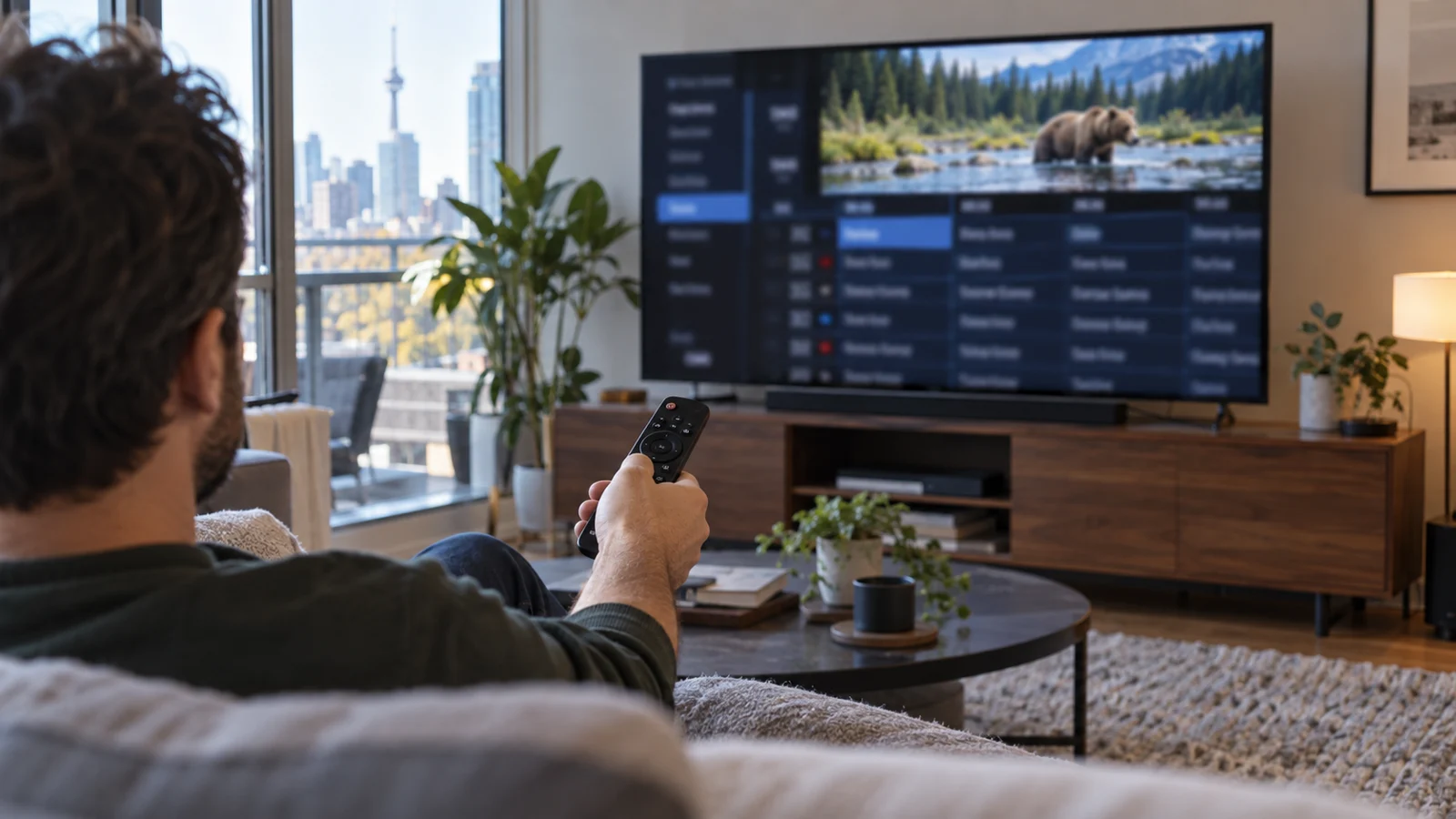
Run the trial on the LG television itself. Choose a channel and an on-demand example you genuinely intend to watch, after support confirms their availability. Check that the remote can move through the guide, select a programme, return to the previous view and adjust the controls without awkward workarounds.
Test the television from your normal seat. Small menu text or an inconvenient pointer can matter more to daily use than a long feature list. If other household members will operate the TV, let them try finding a favourite and returning to live viewing. Your acceptance test should describe what you need the setup to do rather than simply whether a picture appeared once.
Close the application, reopen it and check that the expected account and favourites remain available. Also try a normal power-off and return to viewing. Avoid treating a successful first launch as proof that the daily routine is convenient.
Check sound, subtitles and connection on this television
Keep your current soundbar or speakers connected during the trial. Confirm ordinary dialogue, volume adjustment and the audio output you normally use. A television’s marketing specification does not prove that every stream supplies a particular audio format. Ask about the exact content and player combination when a format is essential to you.
If subtitles are important, use the FlixTele Pro subtitle buying checklist. A subtitle menu is useful only when the requested programme supplies a track that the app can display. Test the language and readability on the LG rather than relying on a screenshot from a different device.
Use the internet connection that will remain in place after purchase. If you plan to connect a cable, complete the wired trial checks before deciding on the paid term. Do not buy extra equipment until you know whether the native television setup meets your needs.
Choose a term only after the native setup works
The current subscription page lists 3, 6, 12 and 24-month options. Check the live total and ask support to confirm the currency, player costs, account start and applicable terms before payment. A longer term does not change whether a particular app exists in your television’s store or whether the player supports the feature you need.
A shorter commitment may be appropriate if this is your first native webOS setup. A longer one may suit a household that has completed the trial and expects to keep the same television. Make the decision using your own viewing result and budget, rather than assuming the most prominent plan is automatically the best fit.
If the TV cannot run a suitable native player, pause the order and discuss the alternative with support. An external device is a separate hardware decision with its own cost and controls. You can compare that option without paying for a subscription on the assumption that it will solve an unconfirmed limitation.
Send an order request that names the actual setup
Prepare one message containing the LG model, webOS version, country, chosen player and preferred subscription duration. Add a short note about your trial: what played correctly, which remote actions you tested and any essential feature still unconfirmed. This lets support answer a concrete purchase request instead of starting again with a generic compatibility question.
Ask for the final service total and any separate app activation total. Confirm which login details you will receive and how the paid account relates to the trial account. Use the official support route on this website and keep the confirmation somewhere you can retrieve it without exposing passwords.
After activation, repeat the same small viewing test. If the result differs, provide the device, app version, programme and symptom privately to support. A specific account handover and a repeatable trial result are stronger foundations for buying FlixTele Pro on LG webOS than an unverified claim that every Smart TV behaves the same way.