Buy FlixTele Pro for a wired TV setup: test Ethernet first
Buying FlixTele Pro for a wired IPTV setup? Test the actual playback device, compare trial results and confirm your plan before paying.
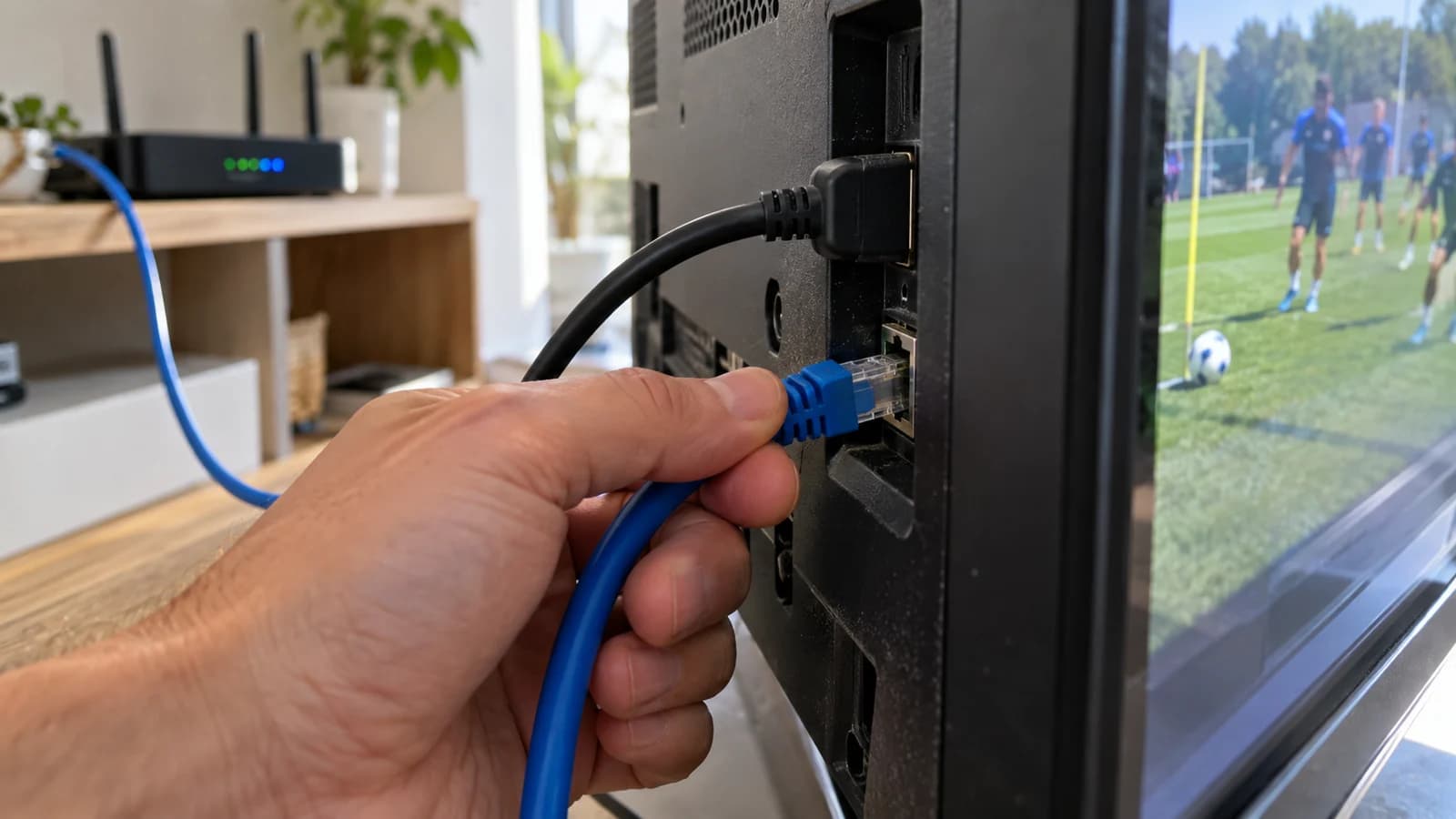
You plan to buy FlixTele Pro and connect the television or streaming device by Ethernet. A cable can help you evaluate the local connection, but it does not create a different content subscription or guarantee that every programme will play without interruption. The purchase still depends on the service account, player and content you intend to use.
Use the 24-hour trial on the exact wired setup before selecting your paid term. The useful outcome is a repeatable viewing test and a clear order specification, not simply a high number in a speed-test screenshot. This guide is for a planned purchase; the existing buffering guide deals with wider troubleshooting.
Connect the device that actually plays the stream
Identify where the IPTV player runs. If it is a native television application, the TV’s network connection matters. If it runs on an HDMI streaming device, wiring only the television does not necessarily wire that device. Trace the playback path before buying an adapter or rearranging the room.
Check the hardware’s supported LAN connection or compatible adapter with its manufacturer. A connector fitting physically is not proof that a particular USB adapter will work. Prefer a confirmed connection method over an accessory bought on the assumption that all TV or streaming-device ports behave identically.
LG’s network guidance, for example, describes connecting the TV LAN port to the router and checking the wired connection in settings. Exact menu names differ by model. Use the instructions for your own equipment, and keep cables positioned safely where they will not be crushed or pulled loose.
Keep the trial comparison controlled
Choose the same player, account and representative programme for both a wireless and wired trial comparison, if both connection methods are available. Change only the local connection and note the result. Testing a different channel on a different device at another time cannot isolate what the cable changed.
Use a period when you normally watch television, with ordinary household internet use in place. Check starting playback, changing programmes and continuing through a normal viewing session. Record the approximate time and the symptom if playback pauses or fails. You do not need to promise yourself that a single short test predicts every future evening.
Avoid changing several app settings and replacing the router during the same comparison. A controlled check gives support a useful description and helps you decide whether the existing equipment is adequate for a paid subscription.
Interpret the result without buying the wrong solution
If wired viewing works better in the controlled check, you have evidence that the local connection deserves attention. It is still a result for that setup and trial period, rather than a guarantee about every stream. Tell support which device and player were used and what improved.
If both connection methods fail on the same programme, do not immediately purchase a longer term or another router. Ask support to check the account, programme availability and player configuration. A cable cannot supply a missing channel, enable an unsupported app or change the service account’s permitted connections.
If the player cannot load the account at all, clarify the login handover first. Refer to installation help for the device path. The order should be based on a working combination, not an assumption that paying will make an unresolved trial issue disappear.
Budget for the real setup rather than an advertised speed
Your setup may already have everything it needs: a suitable player, a supported network port and a safe cable route. Ask about any genuinely required adapter or independent player fee before adding hardware to the shopping list. Keep those costs separate from the FlixTele Pro service quote.
A faster internet package is another purchase decision. A successful speed test does not by itself confirm programme access or player compatibility. Use your actual trial observations to decide whether a household network change needs investigation; avoid buying an upgrade merely because a generic article names a speed target.
Keep the current service plans in view while calculating the total. Confirm the currency and any connection-specific quote with support. Ethernet describes your local delivery method; this guide does not invent a separate wired-only tariff or promise priority treatment for wired subscribers.
Check the complete daily viewing routine
Restart the player once and confirm that it reconnects through the intended network. Verify the picture and ordinary sound on your usual TV input. Use your normal remote to reopen a favourite or return to the guide. These actions matter because a subscription is used repeatedly, not just during an installation demonstration.
If you rely on a soundbar, subtitle track or particular live programme, test it in the same configuration. A wired network result does not establish audio or subtitle support. Tell support which part of the viewing routine is essential and ask about an unresolved feature before choosing the duration.
When another household device will also be used, distinguish device compatibility from simultaneous access. Ask for the appropriate account allowance; attaching several devices to the same router does not automatically mean the subscription permits all of them to stream at once.
Turn the trial evidence into a precise order
Prepare a short purchase message naming the playback device, player, wired connection method and country. Add the programmes or categories tested, the useful results and your preferred term. If a fault remains, include the time and specific symptom rather than describing every possible problem in one sentence.
Ask support to confirm the final service total, account handover and applicable conditions. Keep your existing working settings until you receive the activation instructions. Save the order reference privately so it can be matched to a later support request.
After the paid account is activated, repeat the same simple check on the wired device. You now have an identifiable setup and an acceptance test that support can understand. That is the practical reason to complete an Ethernet trial before buying FlixTele Pro: a better specified purchase, without a claim that a cable solves every cause of interrupted television.