IPTV vs Cable TV in Canada: What Actually Changes When You Switch
Switching from cable to IPTV in Canada changes more than the monthly bill. Here is a practical look at contracts, equipment, flexibility, and setup effort on both sides.
Every household that starts comparing IPTV to cable TV in Canada eventually asks the same question: is switching actually worth it, or does it just trade one set of tradeoffs for another? The honest answer is that the two options are built on genuinely different foundations, and the differences go well beyond the number printed on a monthly bill.
Cable is delivered through dedicated broadcast infrastructure with equipment, installation appointments, and package tiers built around decades of industry structure. IPTV is delivered over your existing internet connection through a player app, which changes how pricing, contracts, flexibility, and setup all work in practice. Neither model is automatically better for every home.
This guide compares IPTV and cable TV across the factors that actually affect a Canadian household: how each one is priced and contracted, how much setup effort is involved, how flexible the viewing experience is, and where cable still has a real advantage. The goal is a clear-eyed comparison, not a one-sided pitch.
How cable TV pricing works in Canada
Cable pricing in Canada is usually built around a promotional rate that applies for a limited introductory period, often the first twelve months, followed by a higher standard rate once the promotion ends. That structure makes the first bill look far more attractive than the bill a year later, which is a common source of frustration among long-time cable customers.
Canada's telecom regulator, the CRTC, has published communications pricing monitoring reports for years showing that television and bundled communications costs shift substantially over time, driven partly by equipment charges, package changes, and post-promotion rate increases rather than the base package price alone. That pattern is worth knowing before you judge any single advertised number.
On top of the base package, most cable bills include several line items that are easy to overlook when comparing options: equipment or box rental, an HD or PVR fee, a one-time installation charge, and regulatory or system access fees added at checkout rather than shown in the advertised price.
- Introductory promo rate that expires after a set period
- Equipment or set-top box rental fees
- HD, PVR, or additional-room fees
- One-time installation or technician charges
- Regulatory and system fees added after the advertised price
How IPTV pricing works by comparison
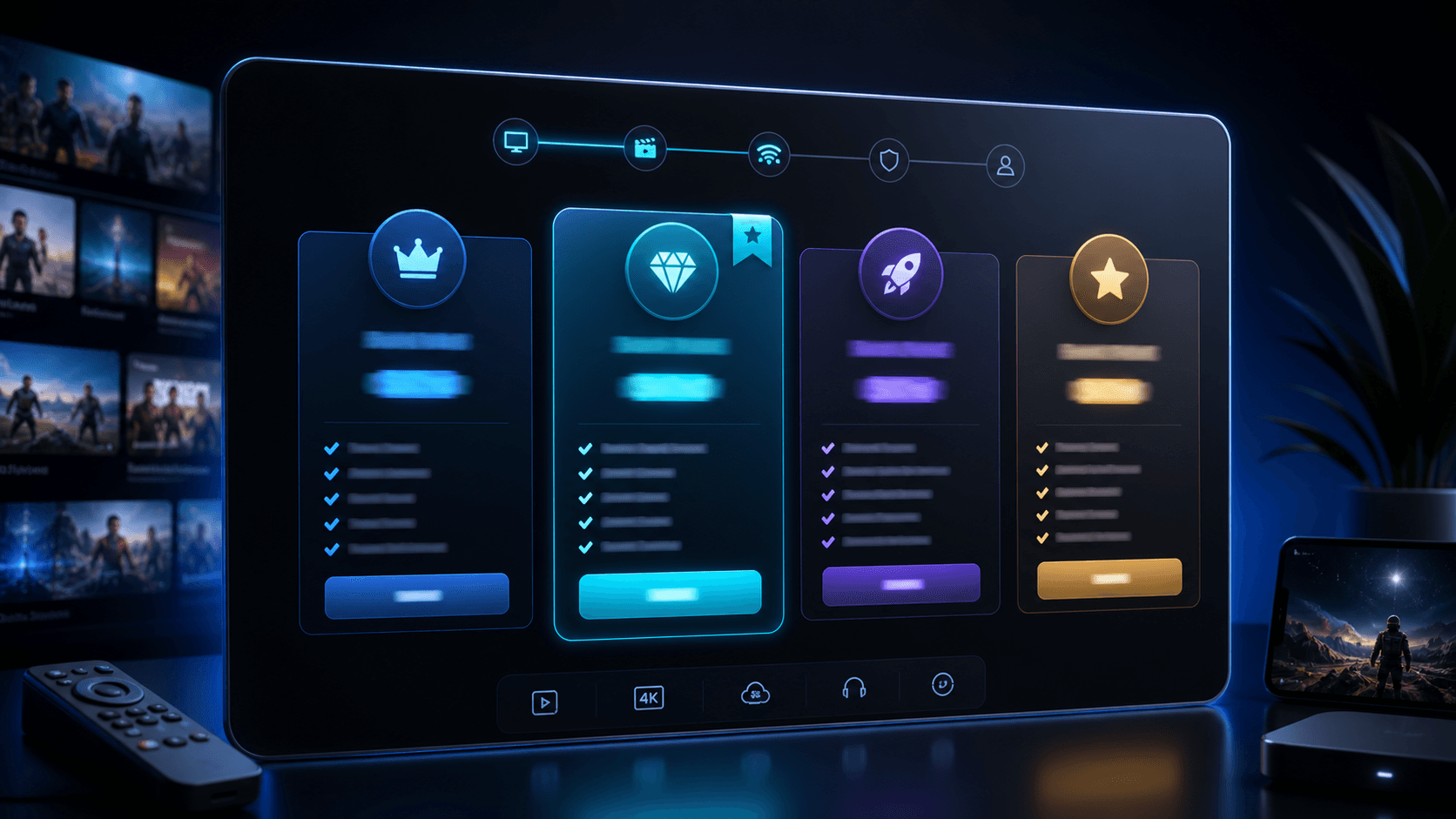
IPTV is typically sold as a prepaid term rather than a monthly bill with a promotional period. FlixTele Pro, for example, structures its plans as 3-month, 6-month, 12-month, and 24-month terms, with the same core feature set included at every length. The price you see for a term is the full price for that term, without a separate equipment rental line or installation appointment fee.
Because there is no dedicated hardware to install, the cost structure is simpler to reason about. The main comparison exercise is dividing the term price by the number of months it covers, which gives a real monthly equivalent you can hold up against a cable bill's standard rate rather than its introductory rate.
One cost that is easy to forget in this comparison is your home internet plan. IPTV depends on a stable internet connection, so if cable and internet were previously bundled together, the household's real total cost after switching should include the standalone internet bill, not just the IPTV subscription price on its own.
Contract terms and commitment: the part that is easy to miss
Price is only half of the comparison. The other half is what happens if your household wants to change or cancel the service partway through, and this is where cable and IPTV diverge the most.
Cable's multi-year commitment pattern
Cable and satellite packages in Canada are frequently sold alongside multi-year contracts or bundled agreements with internet and phone service. Leaving early can trigger early termination charges, and returning rented equipment is often a required step that adds friction to cancelling.
Auto-renewal is also common. Many cable plans roll from a promotional rate into a standard rate automatically, and customers who do not call in to renegotiate simply pay the higher rate without noticing until a bill review.
A prepaid, no-forced-renewal alternative
IPTV plans structured as prepaid terms, like FlixTele Pro's 3, 6, 12, and 24-month options, do not carry a forced auto-renewal by default. The term simply ends, and you decide whether to renew, extend, or stop, which removes the risk of an unnoticed rate increase.
There is no equipment to return either, since the service runs on devices your household already owns. That removes one of the most common friction points people report when leaving a cable contract.
Content flexibility and how you actually watch
Cable packages are usually organized into tiers, where accessing a specific channel often means paying for a broader bundle that includes channels the household never watches. On-demand content is typically limited to what the provider licenses directly, and multi-room viewing usually requires an additional box and an additional monthly fee per room.
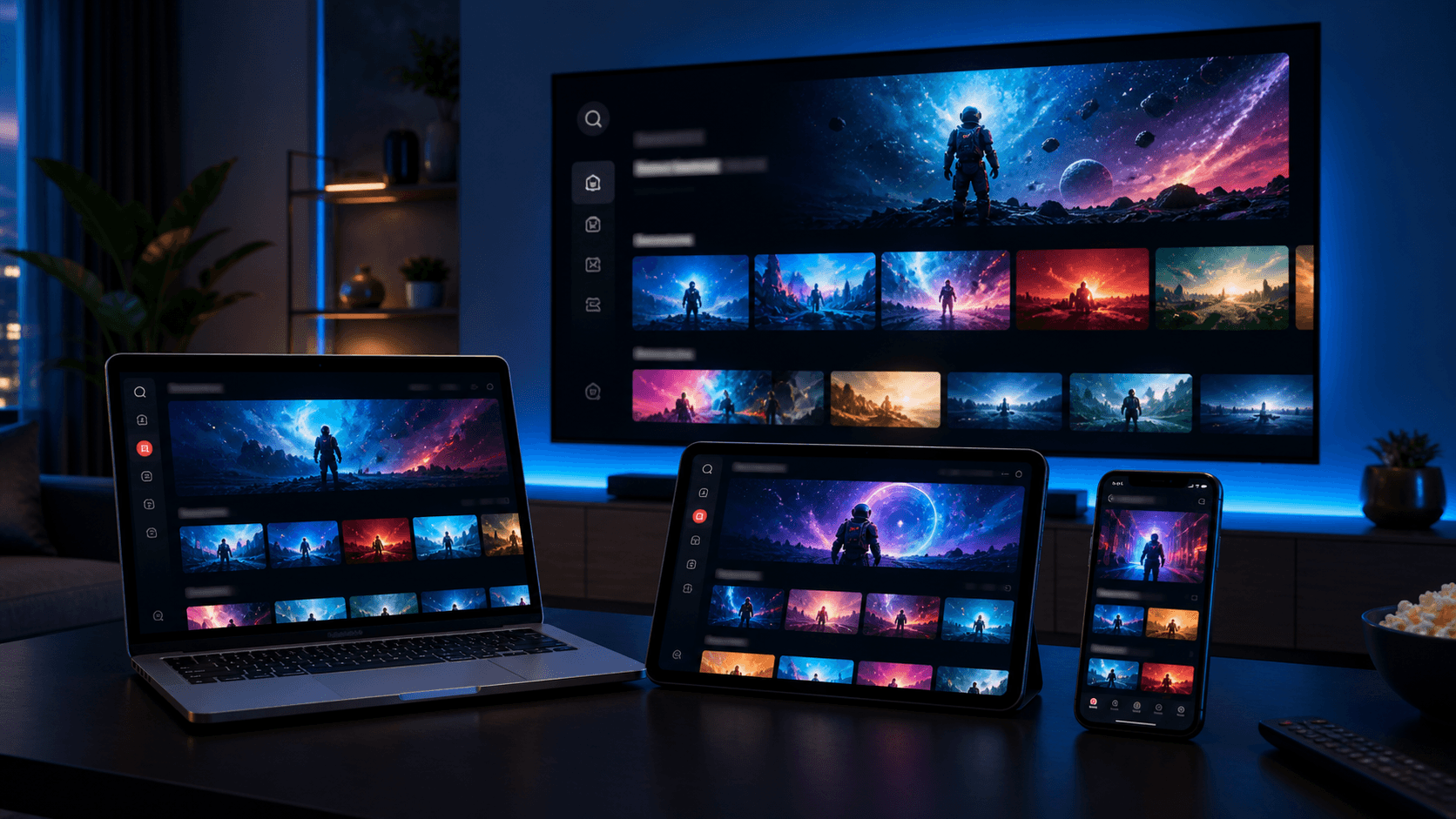
IPTV works differently because it is delivered as a service accessed through a player app rather than through a fixed piece of hardware per room. Live channels, on-demand libraries, and an electronic program guide are all part of the same subscription, and the same account can typically be used across the devices your household already owns, such as a Smart TV, Firestick, phone, or Android TV box.
That flexibility is a genuine advantage for households with different viewing habits in different rooms, but it depends on every device having a stable internet connection, which is worth testing before assuming the experience will feel identical to a dedicated cable box.
- No forced channel bundling to reach one desired channel
- On-demand library included as part of the subscription
- Same account usable across multiple compatible devices
- Guide and catch-up features built into the player app
Setup effort: technician visits vs self-serve app installation
Cable installation traditionally involves scheduling a technician appointment, waiting for an arrival window, and having equipment installed and activated on-site. That process is convenient in the sense that someone else does the technical work, but it also means the household's timeline depends on appointment availability.
IPTV setup happens through the household's own devices. It typically means installing a recommended player app, entering account details, and waiting for the first content library sync, which can usually be completed the same day the service is activated rather than on a scheduled appointment.
The tradeoff is that self-serve setup requires a bit more comfort with apps and menus than watching a technician do the work. Households that strongly prefer zero hands-on setup should weigh that honestly rather than assuming app installation will feel effortless for every family member.
Where cable can still make sense
A fair comparison has to acknowledge that cable is still the better fit for some households, and pretending otherwise would not be honest.
Homes with unreliable or limited internet
IPTV quality depends directly on a stable internet connection. In areas with weak broadband, frequent outages, or strict data caps, cable's dedicated delivery infrastructure can be more consistent than a streaming-based service, regardless of how good the IPTV provider is.
Viewers who want zero setup involvement
Some households genuinely prefer having a technician handle installation and troubleshoot hardware issues in person. If nobody in the home is comfortable installing an app or asking a support team a setup question over chat, that preference is worth respecting rather than overriding with a cheaper option that feels stressful to maintain.
A practical way to test before you fully switch
The safest way to evaluate the switch is to avoid an all-or-nothing decision on day one. Keep cable active while testing an IPTV free trial on your main device, so you can compare the two side by side under real conditions instead of relying on marketing claims from either side.
During the trial, watch live TV during your normal evening hours, browse the on-demand library, load the guide, and reach out to support with one real setup question to see how quickly and clearly they respond. FlixTele Pro's trial is built as a 24-hour test window for exactly this kind of comparison.
Only after that real-world test should you decide whether to cancel cable, keep both temporarily, or scale down your cable package to a smaller backup option. That sequence protects you from switching based on price alone and then discovering a compatibility issue after cable is already cancelled.
- Test IPTV during your normal peak viewing hours
- Compare guide loading and on-demand browsing directly
- Ask support one real setup question during the trial
- Decide after testing, not before
Decision checklist: is it time to switch from cable to IPTV
There is no universal answer for every Canadian household, but a short checklist makes the decision much clearer. Consider your internet reliability, how many rooms and devices need coverage, how comfortable your household is with app-based setup, and whether the cable bill you are paying today reflects the promotional rate or the standard rate.
If your internet is stable, your household is comfortable installing an app once, and your current cable bill has moved past its promotional period, IPTV is usually worth testing seriously. If your internet is unreliable or nobody in the home wants to manage setup, cable may remain the more practical choice for now.
The most reliable path is still the same one that applies to any IPTV decision: test on your own devices and your own network before committing to a longer term, and compare the real experience rather than the advertised one.
- Check whether your internet connection is stable enough for daily streaming
- Count the rooms and devices that need coverage
- Confirm your household's comfort with app-based setup
- Compare your cable bill's current rate, not its old promo rate
- Test with a trial before cancelling anything