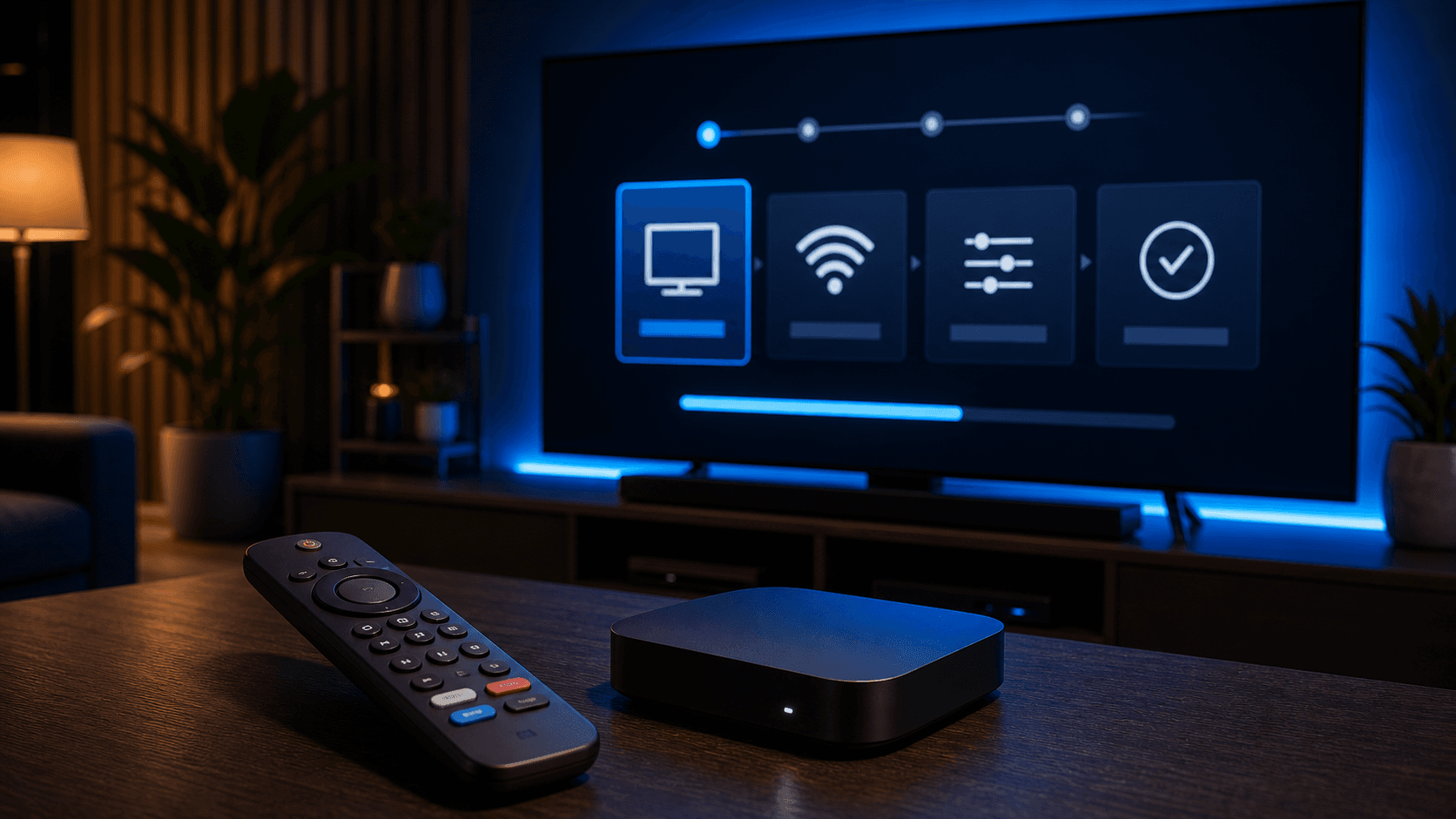
How to Set Up IPTV on Android TV Box
Android TV boxes are popular because they give IPTV users more flexibility, but that flexibility works best when the app, settings, and support advice all line up.
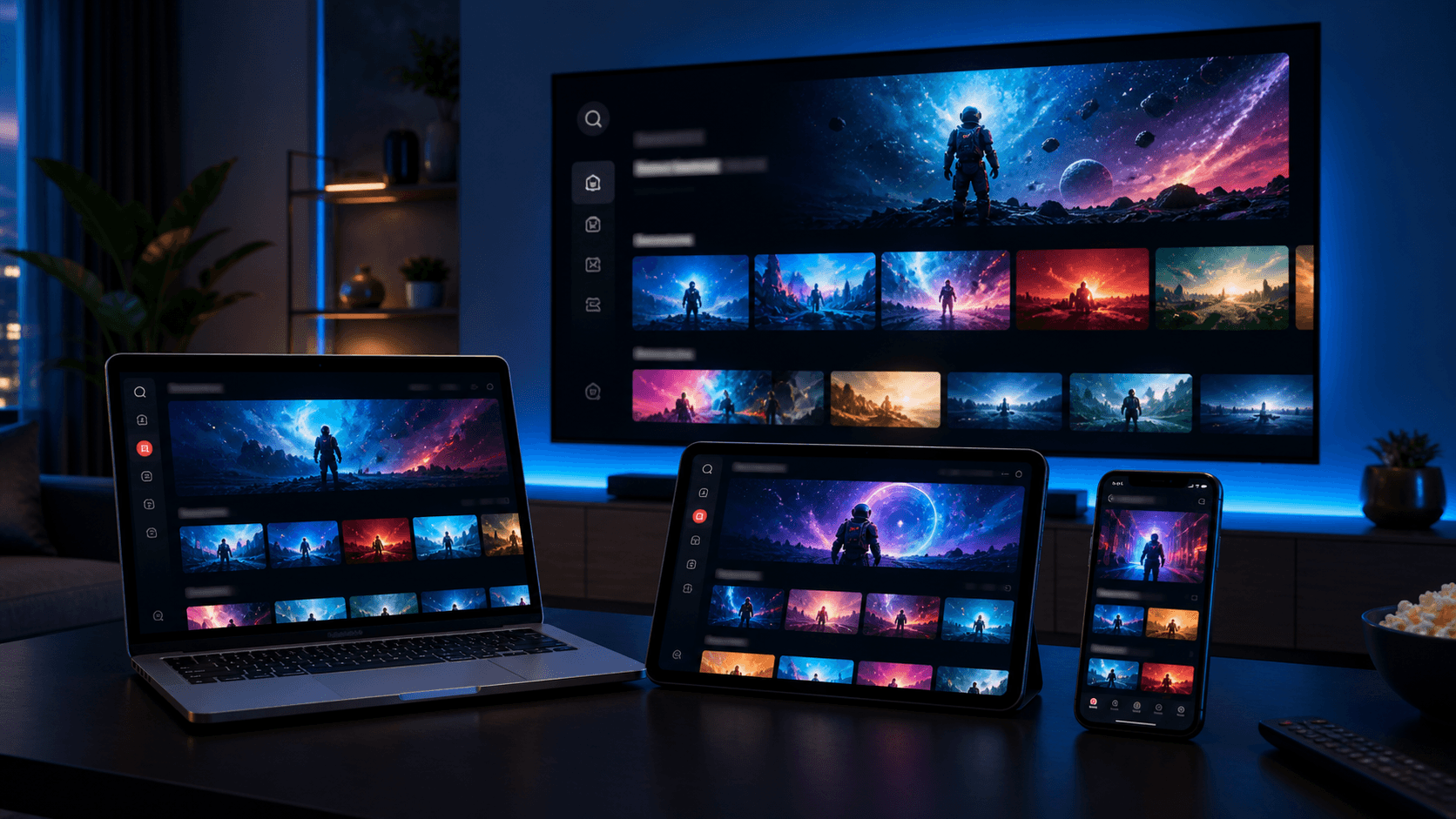
Android TV boxes remain a popular IPTV choice because they offer a strong balance of flexibility and living-room convenience. They are often easier to customize than Smart TVs and can feel more powerful than smaller streaming sticks, especially for users who care about guide layout, favorites, and app control.
That flexibility can also create confusion for new users. Android TV boxes support several player apps, and each app can behave a little differently depending on the hardware, the launcher, and the way the service details are entered.
This guide explains how to set up IPTV on an Android TV box from the beginning, including how to prepare the device, choose the right app, improve playback, and avoid the most common onboarding mistakes.
Prepare the Android TV box for setup
Before installing any IPTV app, update the box software and confirm that the internet connection is stable. Android-based devices can accumulate clutter over time, especially if they have been used for many apps, so it is worth checking storage and closing or removing anything you no longer use.
If you have a Bluetooth keyboard or remote app, keep it nearby. It makes entering credentials much easier and reduces the chance of login mistakes during the first setup.
Think about where the device sits in the room as well. If it is far from the router or behind a crowded entertainment unit, Wi-Fi quality may not be as strong as it seems from a phone test in your hand.
Pick an IPTV app that matches your goals
Android TV boxes support both simple and advanced IPTV player apps. If your goal is easy onboarding, choose the recommended app with the cleanest login flow. If you value detailed categories, favorites, guide layout, and interface customization, a more advanced player may be worth using.
The best provider will not leave this choice completely open-ended. They should be able to say which app works well on Android TV boxes and what kind of user it suits. That recommendation matters because app fit can shape your whole first impression of the subscription.
A common mistake is choosing an advanced app because it is popular, then feeling overwhelmed during setup. Start from your actual comfort level, not from the app name with the most forum mentions.
When to start simple
If this is your first IPTV setup on Android TV, a simpler app can help you confirm that the service works before you spend time customizing.
Once you understand the basics, moving to a more advanced app becomes much easier.
When advanced controls are worth it
If you already know you care about guide behavior, category styling, and deeper playback control, Android TV boxes are a great environment for those stronger apps.
Just make sure you have support guidance available for the login method and recommended settings.
Enter account details and complete the first sync
Once the app is installed, choose the login method that matches your activation details. Some setups use a playlist URL, while others rely on username, password, and server information. The exact format matters, so avoid guessing or mixing fields from different methods.
After login, be patient while the app imports the service library. Android TV boxes are often faster than some TVs, but the first sync can still take time if the app is loading live TV categories, movies, series, and guide data at once.
Resist the urge to judge the full service in the first minute. Let the app finish loading, open the guide, and then test several sections deliberately.
- Use the exact login format supplied by support
- Wait for channels and VOD to finish loading
- Refresh EPG after the first import if needed
- Test favorites and category switching early
Tune playback and navigation for daily use
Android TV boxes are strong because they let users shape the experience around their habits. Once setup is complete, spend a few minutes adjusting guide settings, subtitle preferences, playback quality options, and favorites lists. These details can make the interface feel much more personal and much easier to use every day.
If the app offers multiple playback paths or decoder options, test them one at a time. What works best depends on the box hardware, the app, and the type of content you watch most often. Controlled testing leads to better results than random changes.
Many households use Android TV boxes as the primary IPTV screen, which makes navigation quality especially important. Organize the home screen early so everyone using the device can reach the most important sections quickly.
Fixing common Android TV IPTV problems
If the app feels slow, start with storage and background apps. Android devices often improve when unnecessary apps are removed and the box is restarted. This is a simple fix, but it often restores responsiveness quickly.
If live channels work but guide data looks incomplete, refresh the EPG and allow more time. Guide information sometimes appears later than the main categories, especially after the first setup.
If buffering continues, test the same content on another device or compare the app with a simpler alternative. That helps you determine whether the issue is the box, the network path, or the player app itself.
Why Android TV boxes stay popular for IPTV
Android TV boxes remain popular because they offer a strong blend of flexibility, control, and living-room comfort. They work especially well for users who want more than a minimal TV experience but do not want the limitations of some built-in Smart TV apps.
With the right player app and a stable setup, Android TV can feel like one of the most complete IPTV environments available. The key is to start with a clean installation path instead of trying too many options at once.
If you are comparing device types, use the installation guide, pricing page, and app page together. That will help you decide whether Android TV is the best long-term home for your subscription.
What separates a good Android TV box setup from a frustrating one
The difference usually comes down to discipline. A good Android TV box setup starts with updated software, enough storage, one recommended app, and a clear first login. A frustrating setup often starts with too many apps, too many settings changes, and too little patience during the first sync.
Android TV gives users more room to customize than many other device types, which is a strength, but that strength works best after the basics are already stable. First make sure the app loads well, the guide behaves properly, and playback is acceptable during normal viewing. Once that baseline exists, customization becomes rewarding instead of confusing.
Households also benefit when they think about how the box will be used. If the device belongs to a shared living room, the simplest navigation may matter more than deep technical controls. If the box belongs to a power user, more advanced layout and playback options may be worth exploring. There is no single perfect Android TV setup. There is only the setup that fits the user best.
That is why Android TV boxes continue to stand out. They give IPTV users room to build an experience that can feel much more tailored than the average plug-and-play setup, as long as they start from a clean and deliberate foundation.
Users who respect that order usually end up with a much stronger result: a box that feels personal, responsive, and stable rather than one that constantly needs rescue.
That is the real promise of Android TV for IPTV users: not more complexity for its own sake, but more room to build an experience that truly fits the household.
- Stabilize the setup before customizing heavily
- Choose one app for the first serious test
- Keep storage clean and software updated
- Match the interface to the household using it
- Treat Android flexibility as an advantage, not a shortcut
Final takeaways
Android TV boxes reward users who like having choices, but they reward patience even more. The strongest setups usually come from people who resist the urge to customize everything on day one, prove the base experience first, and then improve the parts that actually matter in daily viewing such as favorites, guide layout, and playback consistency.
That is why Android TV remains such a strong IPTV option in 2026. It can feel more complete than simpler streaming devices without sacrificing living-room comfort, as long as you build the setup in layers and let each change earn its place. When done well, the result feels deliberate, capable, and easy to live with.