Buy FlixTele Pro for TiviMate: separate the player from the service
Choose a FlixTele Pro IPTV subscription for TiviMate after confirming your Android TV device, login format, player licence and actual viewing needs.
You want to watch FlixTele Pro through TiviMate and need to know what to buy. Begin by separating two purchases: access to an IPTV service and access to optional features in a player. Paying for a premium player does not, by itself, supply channels or a FlixTele Pro service account.
TiviMate’s official site describes it as a media player for your own playlists and says its paid upgrade unlocks app features rather than content. For the service purchase, use the FlixTele Pro subscription page. Before choosing a term, ask support to confirm your device and account-input method, then test the proposed combination.
Confirm that the app fits the device you actually own
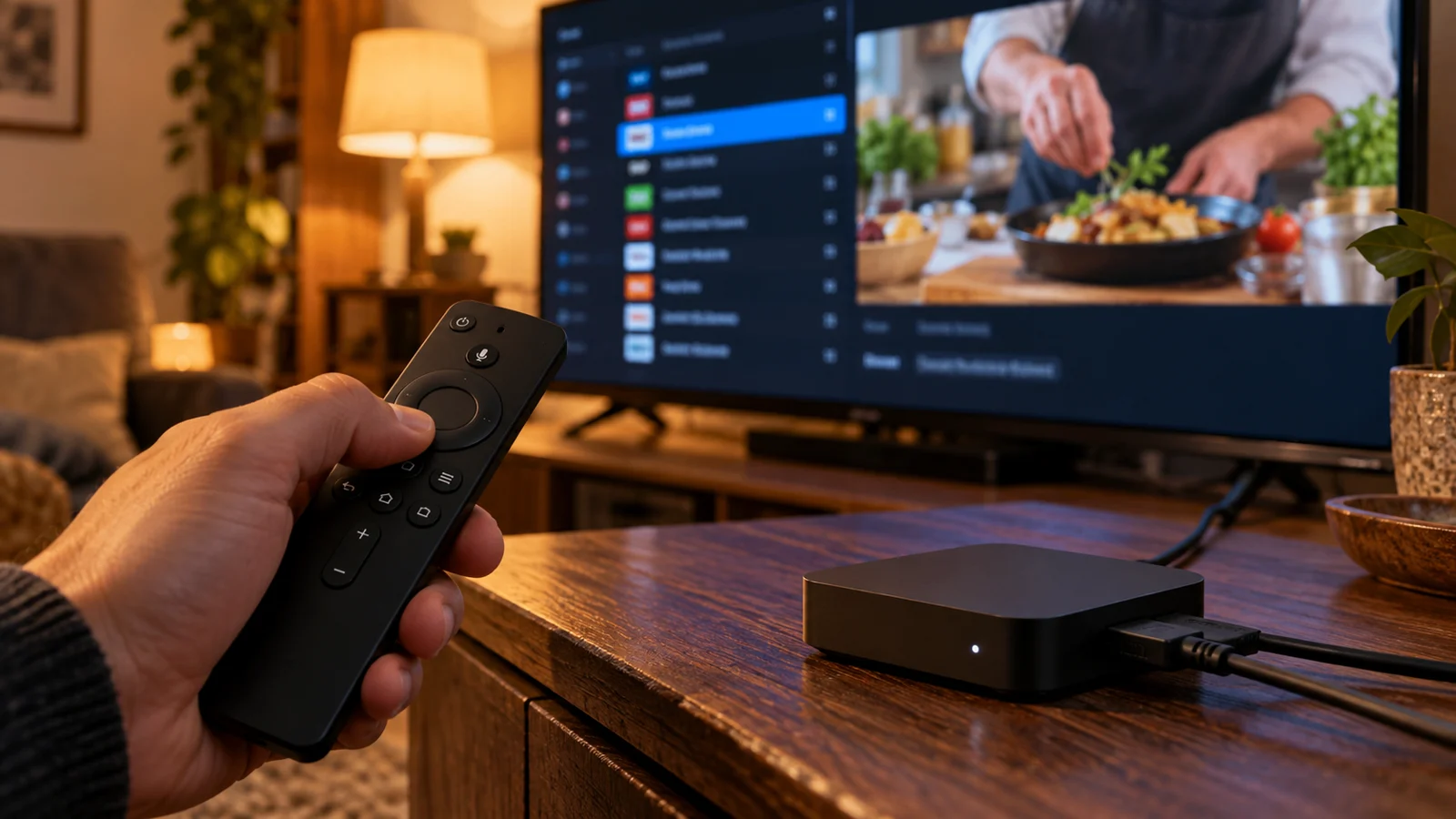
Write down the streaming device model, software version and the TiviMate version being used. TiviMate is intended for Android TV devices; its official description does not present it as a native player for every Smart TV operating system. A television running webOS or another platform may display an HDMI device running Android TV, but those are two distinct components.
If you already use an Android TV device, keep its current working settings while checking compatibility. Do not buy another box solely because a general article mentions TiviMate. Ask whether support can supply an account format accepted by the version you intend to use.
Install or update through the player’s official distribution route. An unfamiliar download with a similar name is not a reliable substitute. Review the app guidance and confirm the proposed player before sending service account details to any software or activation website.
Keep the player account and service account separate
Your player login or licence identifies your relationship with the app publisher. Your service credentials identify your IPTV access. Those accounts can have different renewal dates and payment recipients. Keep records of both, and ask who should handle a problem before assuming that renewing one will restore the other.
A screen saying that a player upgrade is active does not establish that the service playlist has been added or that the service account is current. Conversely, a working service account does not automatically prove that every optional player feature is unlocked. Diagnose each part independently.
Check the current app upgrade price and conditions directly with its publisher if you need paid features. This article does not quote a fixed player fee or promise that it is included in a FlixTele Pro plan. Request an itemised service quote so the combined cost is clear before payment.
Ask for the correct playlist and guide handover
Tell support which account-input methods your player offers, then confirm which one they will provide for your subscription. Follow the actual activation instructions rather than guessing a server address from another provider or an old demonstration. Copy details carefully, including the protocol and any required path exactly as supplied.
Check the programme guide as well as the picture. Browse a channel you intend to use and compare the displayed programme with what is playing. Guide availability and accuracy depend on the supplied data and its mapping; a player guide screen alone does not prove that every channel has complete listings.
If a guide entry is missing or shifted, record the channel, date, time zone and app version. Ask support to distinguish a data issue from a local display setting. Keep passwords out of public screenshots and avoid posting a full playlist URL in a review or forum.
Test the features you will pay to use
Write a short acceptance list before starting the 24-hour trial. For an ordinary viewing setup that might mean loading the playlist, saving a few favourites, opening the guide and returning to the last channel. Try those actions with the remote that will stay beside the television.
If your main reason for choosing the player is catch-up, recording or multiview, ask specific questions before purchasing. A player having a control does not establish the availability of an archive, recording suitability or the number of simultaneous streams your service order permits. Confirm the content, device and account requirements for the particular use case.
Do not launch several live streams as an assumed part of a single connection. Explain your intended use to support and obtain a suitable quote first. A feature-rich player and a properly specified service account must work together; neither replaces the need to define the purchase.
Match the service term to your tested routine
Once the essential viewing actions work, compare the live FlixTele Pro plan options. Ask for the service total, currency, start date and connection allowance for your order. Add any independently required player licence to your budget. The cost comparison should include both parts without implying they are one product.
Keep a shorter initial term in consideration if you are still learning the player or testing a new device. A longer term can be considered after the setup meets your routine. It should not be used as a shortcut around an unresolved guide, audio or app-compatibility question.
Use the existing Android TV box guide for broader preparation. This purchase checklist has a narrower purpose: establish what the app supplies, what the service supplies and which tested combination you are ordering.
Order with a clear account and feature specification
Send support the device model, app version, successful trial actions, intended paid duration and any special feature you need. If you plan to use another device later, mention that separately and ask how the proposed service account permits it. Do not infer service allowances from the number of devices shown in a player licence.
Ask which parts of the configuration can remain after activation and whether the trial credentials will be replaced. Keep your favourites or settings until support confirms the handover path. Save the service order reference separately from the app purchase receipt.
After payment and activation, repeat the trial checks with the paid account. If something changes, report the precise action that fails and which account is involved. You can then resolve a playlist, licence or viewing issue without buying a second product merely because the first screen was unclear.